01
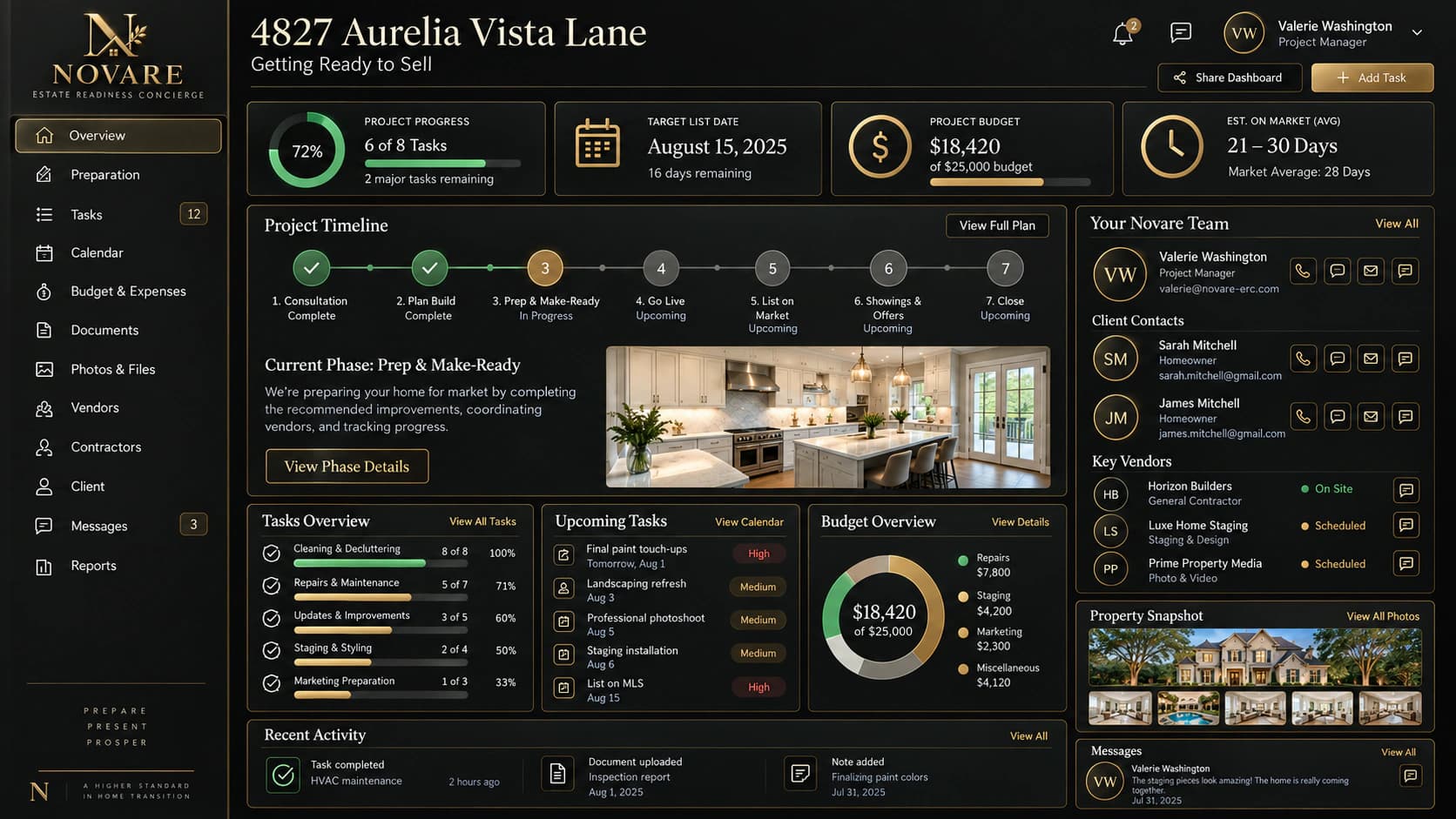
Property & project snapshot
- What you see
- The address, readiness stage, project brief, and a concise view of what is in motion around the property.
- How it is used
- Start here before a call or walkthrough. It gives every participant the same frame before they move into decisions or individual tasks.
02
Progress & readiness timeline
- What you see
- Milestones, phase status, and the sequence from preparation through market readiness in one ordered timeline.
- How it is used
- Use the timeline to understand what has cleared, what is approaching, and where a handoff needs to happen next.
03
Budget & value context
- What you see
- Illustrative budget context alongside project decisions, so costs and anticipated value can be discussed in their proper setting.
- How it is used
- Use it to prepare trade-off conversations. The display supports a shared review; it is not a promise of cost, valuation, or outcome.
04
Work & next actions
- What you see
- The current work, its owner, the next action, and the items that still need coordination.
- How it is used
- Use this view after each update to turn a broad plan into the next accountable move without losing the surrounding context.
05
Team & accountability
- What you see
- The people connected to the project and the responsibility each person carries at this point in the readiness plan.
- How it is used
- Use it to make handoffs explicit, bring the right person into a conversation, and avoid asking the property owner to relay every detail.
06
Project communication
- What you see
- A focused record of project messages and updates alongside the work they relate to.
- How it is used
- Use it to keep decisions discoverable for the whole team instead of allowing important context to disappear into separate threads.